
Adobe Dreamweaver
Adobe Dreamweaver is Adobe's web development application for Windows and macOS that combines a code editor with visual design and live preview.

2026.1.4.8 Quail 4 Patch 1 · Google · Page updated
Android Studio is Google's free integrated development environment for building Android apps. This page covers version 2026.1.4.8 Quail 4 Patch 1 for Windows.
Average 0.0 · ratings: 0
Thank you! Your rating is saved; you can change it. Could not save the rating. Please try again later. Too many ratings from your network today. Please try again tomorrow. The average appears after 5 ratings.
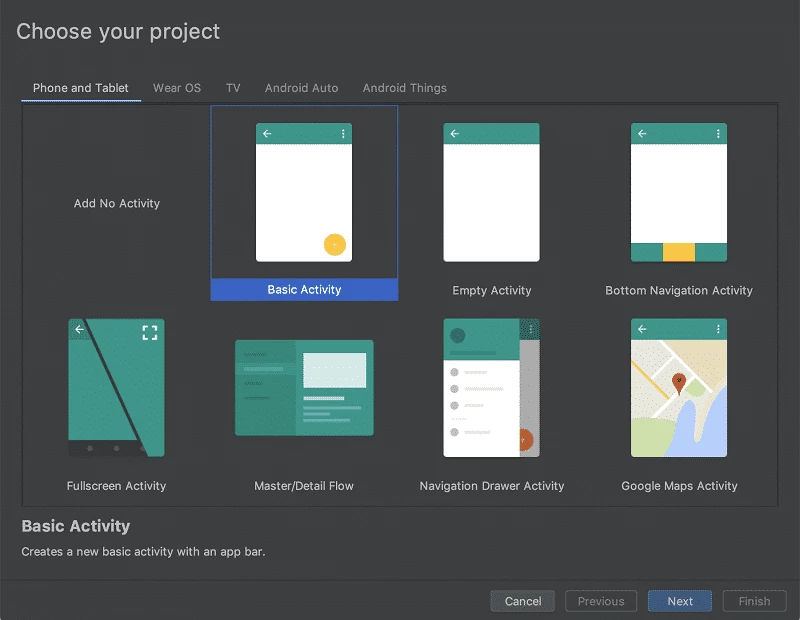
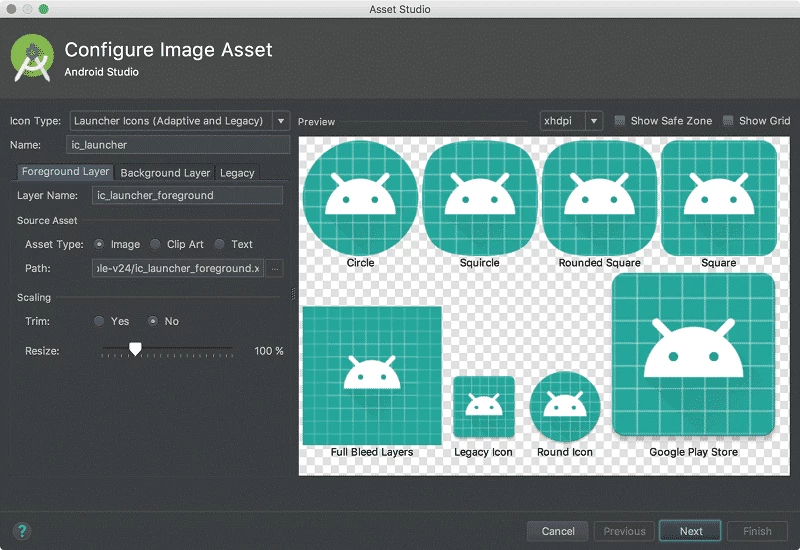
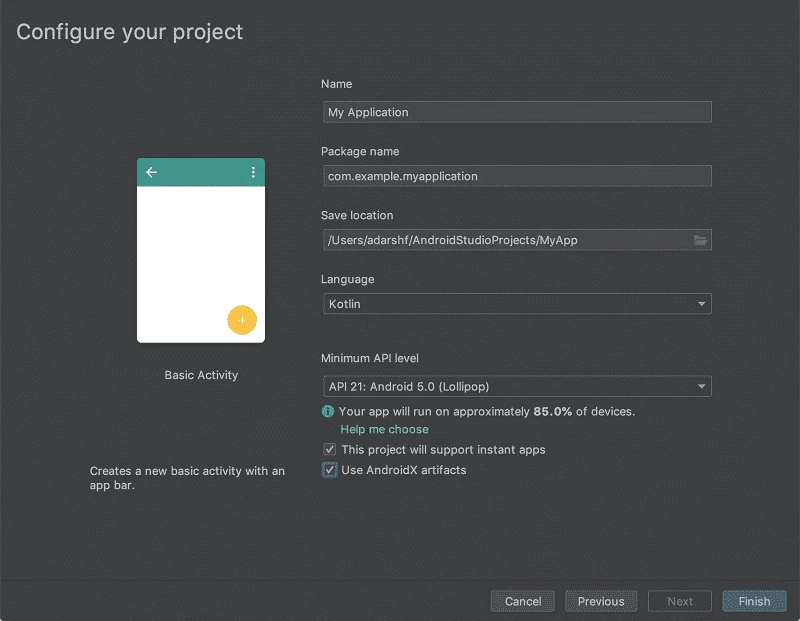
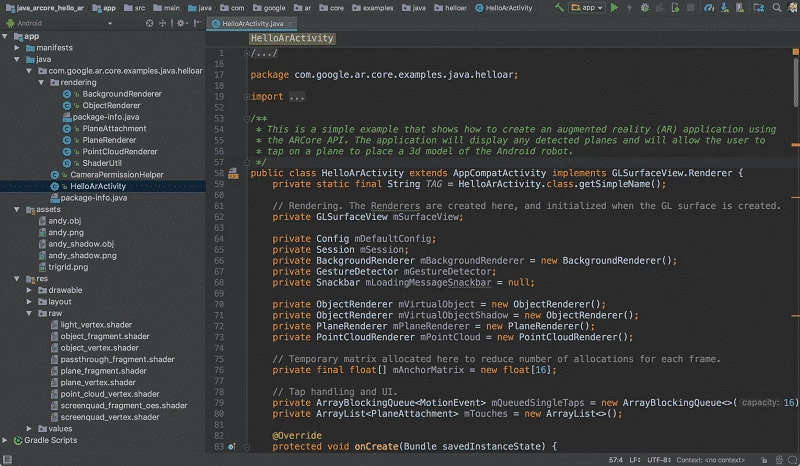
Android Studio 2026.1.4.8 Quail 4 Patch 1 for Windows is the official integrated development environment from Google for building apps for the Android platform. It is free to download from developer.android.com; below we look at who it is made for and what you need before installing it.
Android Studio is the place where Android apps are written, built, tested and packaged. It is based on IntelliJ IDEA Community Edition and released under the Apache License 2.0, so the tool costs nothing and its roots are open source. In one window you edit code, design screens, run the app on an emulator or a connected phone, look at logs and profile performance. Releases carry code names, and the current generation is called Quail. Updates come in stable versions and preview channels, so you can stay on a proven build for a project and try new features in a separate installation. The program is available for Windows, macOS, Linux and ChromeOS, which makes it easy to move between machines in a team.
If you only want to install apps or tweak phone settings, you do not need a full IDE. People who build cross-platform apps with other frameworks sometimes prefer a lighter code editor and use Android Studio only for the emulator and SDK tools.
The official page offers a Windows (64-bit) installer and a ZIP archive without an installer, each around 1.5 GB. Plan for extra space for the SDK, emulator images and build caches, and prefer a PC with plenty of memory and an SSD, because the IDE and emulator are demanding.
Yes, when downloaded from Google's developer site, which publishes a checksum next to each file. Avoid repackaged builds from third-party sites.
Other developer tools in our listings serve different jobs: Notepad++ for quick code edits, Arduino IDE for microcontrollers and XAMPP for local web servers.
Adobe Dreamweaver is Adobe's web development application for Windows and macOS that combines a code editor with visual design and live preview.

Notepad++ is a free, open-source text and source code editor for Windows by Don Ho, based on the Scintilla editing component.

XAMPP is a free, open-source web server solution stack from Apache Friends for running and testing websites on your own computer.

Arduino IDE is the free, open-source development environment for programming Arduino boards. Version 2.3.10 is the current Windows release.

PSeInt is free, open-source educational software by Pablo Novara that helps beginners learn programming logic by writing and running pseudocode.